All Features No Ads 100% Private

Free PDF Conversion.
Powerful Tools.

All-in-one PDF processing tool. Convert images to PDF, PDF to images, encrypt, decrypt, and print PDFs with ease.
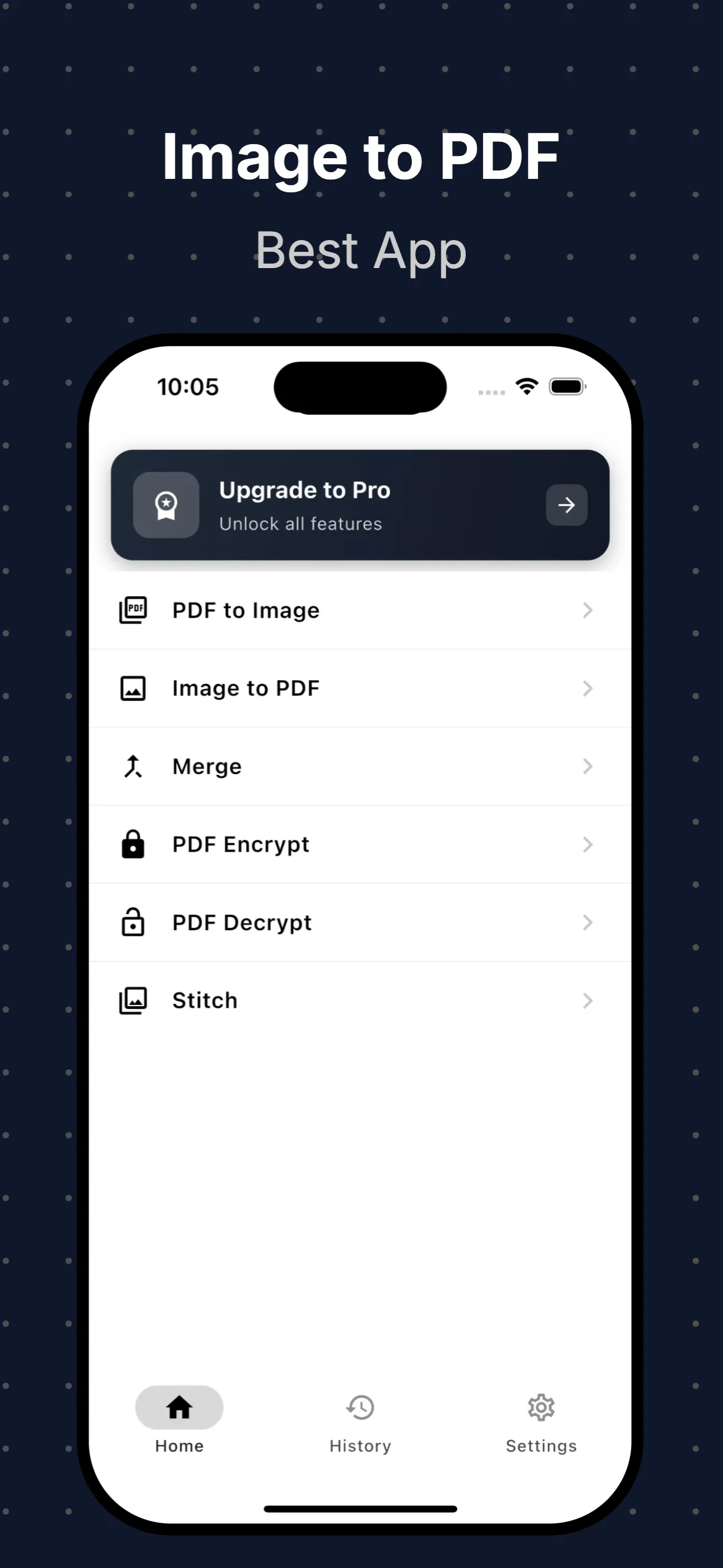
Image to PDF App

Powerful PDF Tools

Everything you need to process and manage your PDF files efficiently.

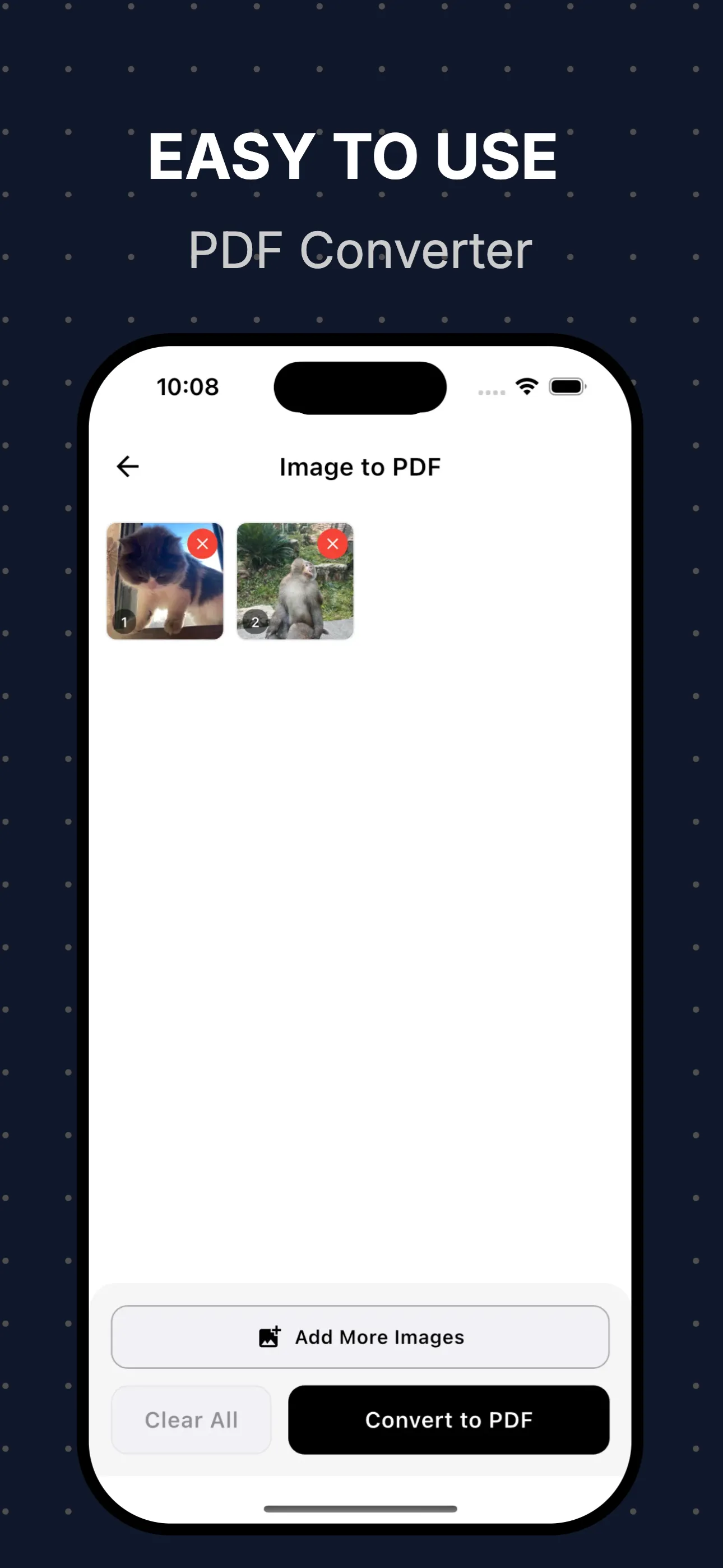
Image to PDF

Convert images to PDF documents. Support for JPEG, PNG, HEIC, and more. Merge multiple images into a single PDF.

PDF to Image

Convert PDF pages to high-quality images. Export all pages or selected ones. Support for PNG and JPEG formats.

PDF Encrypt

Password protect your PDF files. Set owner and user passwords. Encrypt with AES-128 or AES-256 encryption.

PDF Decrypt

Remove password protection from PDF files. Unlock encrypted PDFs with your password. Quick and secure.

PDF Print

Print PDF files directly from your device. Support for various paper sizes. Print single or multiple pages.

See Image to PDF in Action

Beautiful, intuitive interface that makes PDF processing a breeze.

Screenshot 1
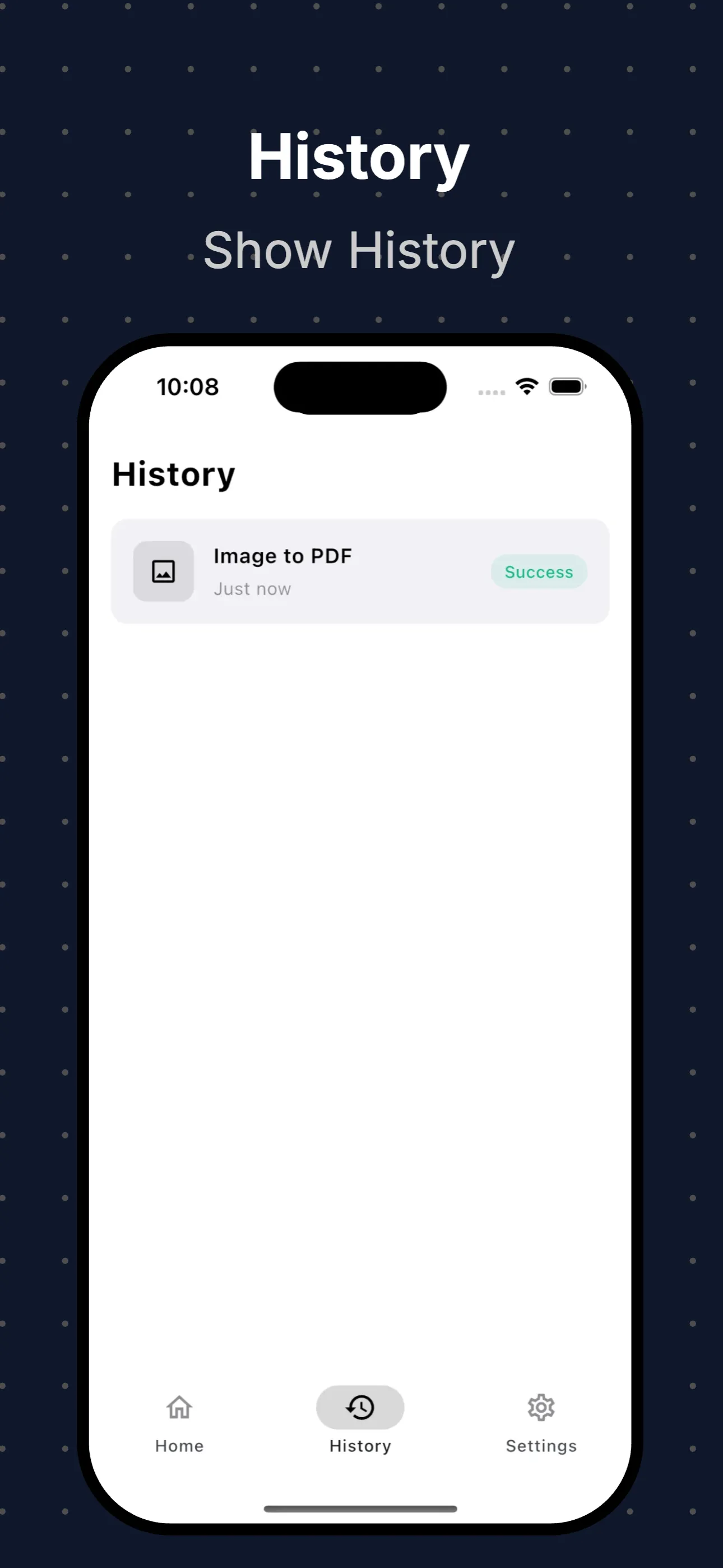
Screenshot 2
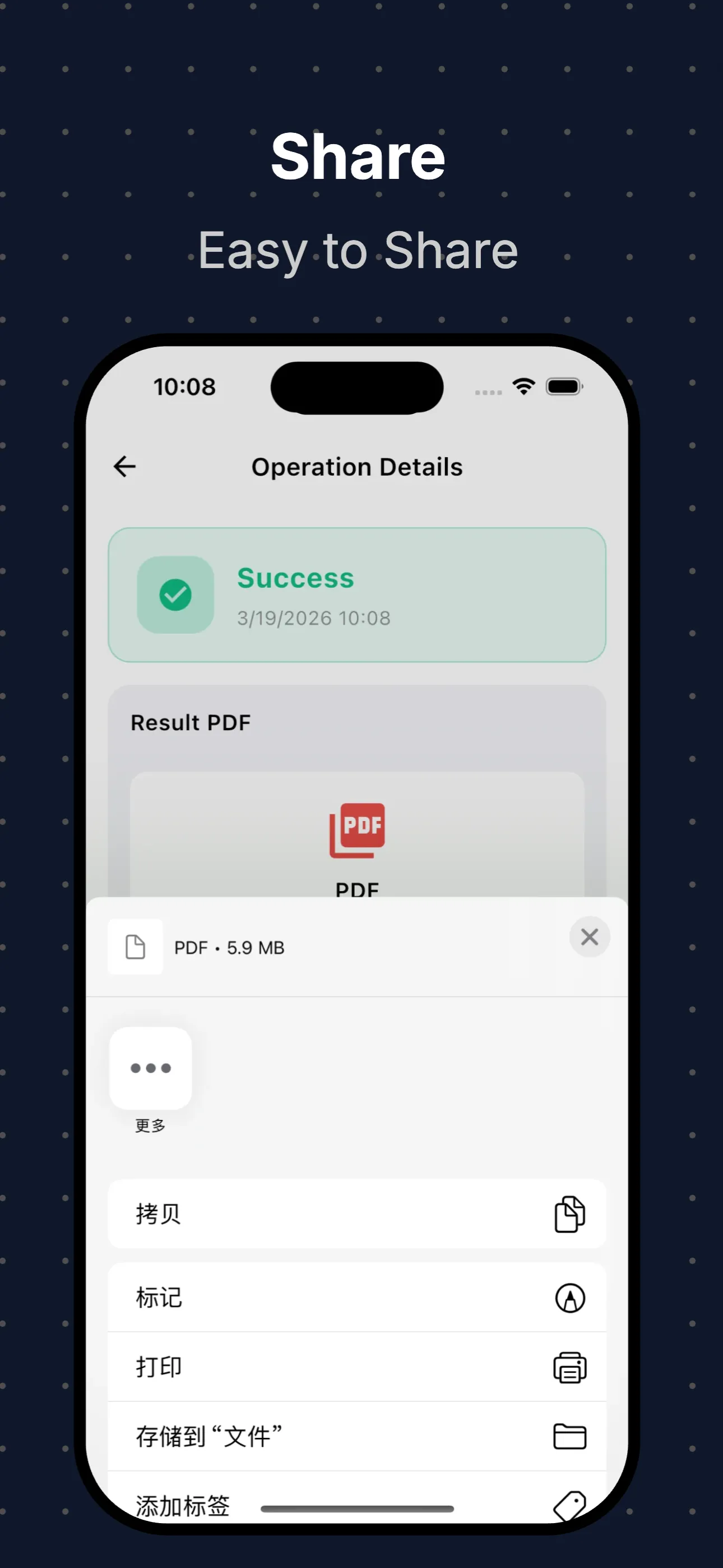
Screenshot 3
Screenshot 4

How It Works

Three simple steps to process your PDF files.

1

Select File

Choose an image or PDF file from your library or take a photo with your camera.

2

Choose Tool

Select from Image to PDF, PDF to Image, encrypt, decrypt, or print tools.

3

Save & Share

Save to your library or share directly to your favorite apps.

Ready to Process Your PDFs?

Download Image to PDF now and start processing your PDF files with powerful tools. Free to try, powerful enough to keep.

Download on the App Store